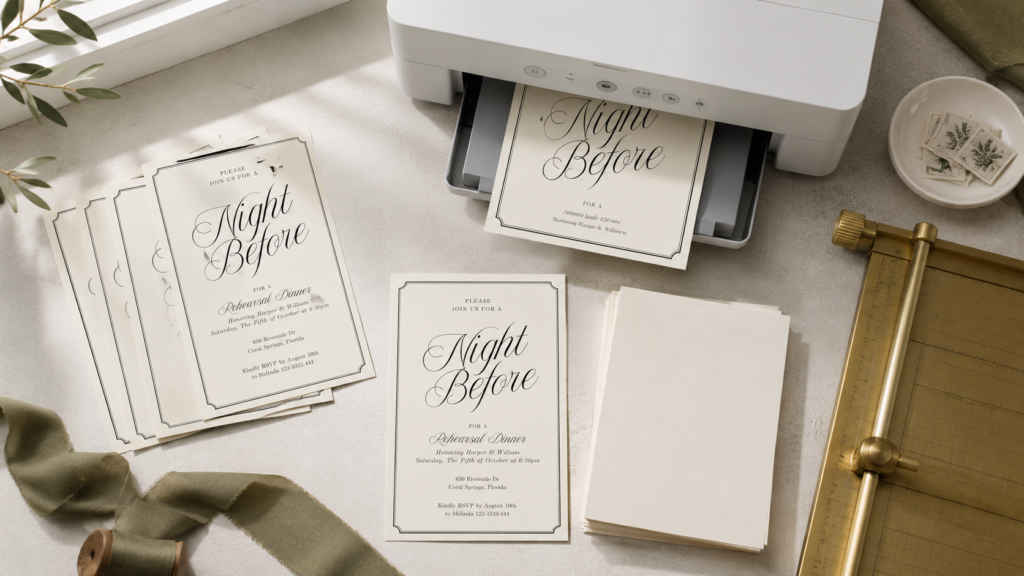
Printing your wedding stationery at home can be a lovely way to keep the process flexible. You can make one test print, adjust a line break, then print the final pieces when everything feels right. The goal is not to recreate a commercial print shop. It is to make clear, well-finished stationery that suits your celebration.
Begin with a test print
Before buying a full pack of paper, print one invitation on ordinary copy paper. Check the spelling, the size, and how the design sits on the page. This is also the moment to notice whether a long venue name, website address, or RSVP line needs a small adjustment.
If your design includes more than one piece, test the invitation, RSVP card, and details card together. A suite feels most polished when the scale of the type and margins are consistent across every card.
Choose paper that suits the design
Smooth matte cardstock is a reliable starting point for invitations because it is easy to read and works with many home printers. A lightly textured stock can add warmth to a simple design, while bright white paper keeps a clean, minimal layout crisp.
Check the printer manual before choosing a heavy cardstock. Some home printers handle thicker paper beautifully; others work better with a lighter stock. If you are unsure, buy a small sample pack first and test it. Paper that feeds cleanly is always a better choice than paper that only looks good before it reaches the printer.
Set up the file carefully
Use the finished file size recommended by the template. Do not use a browser print setting that automatically stretches the page to fit unless the template specifically asks for it. Scaling can change margins, crop trim marks, or make text look less balanced.
For a print-ready PDF, choose the highest quality setting available. Then compare the preview on screen with your test print. If the colors look different than expected, adjust the printer settings before making more copies. Home printers can interpret warm neutrals, pale blues, and deep greens differently depending on the paper.
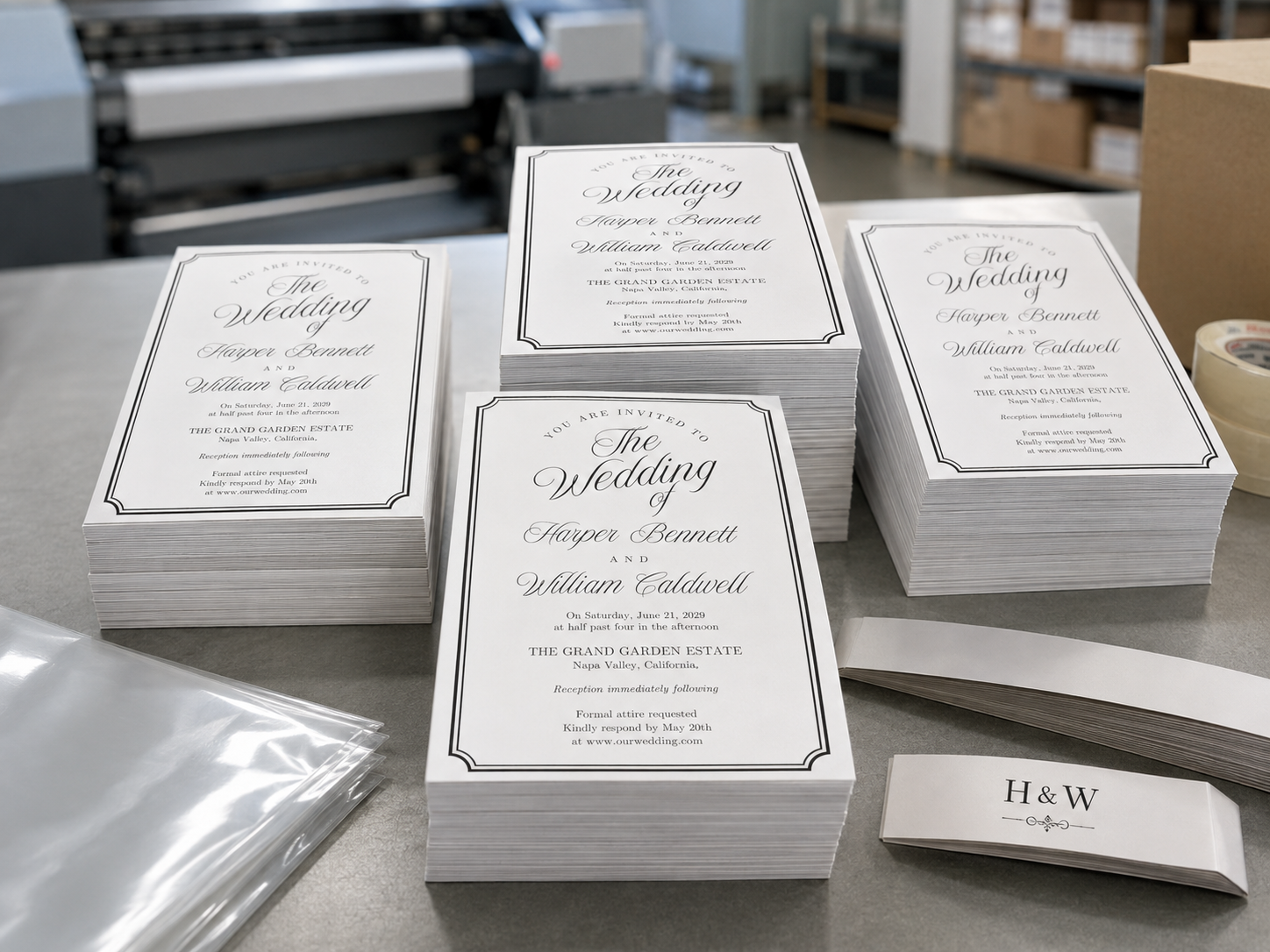
Trim and finish with patience
Use a paper trimmer rather than scissors for straight, consistent edges. Cut a few test pieces first, especially if your file has trim marks. Keep the printed cards face up in a tidy stack so ink does not transfer while the pages are fresh.
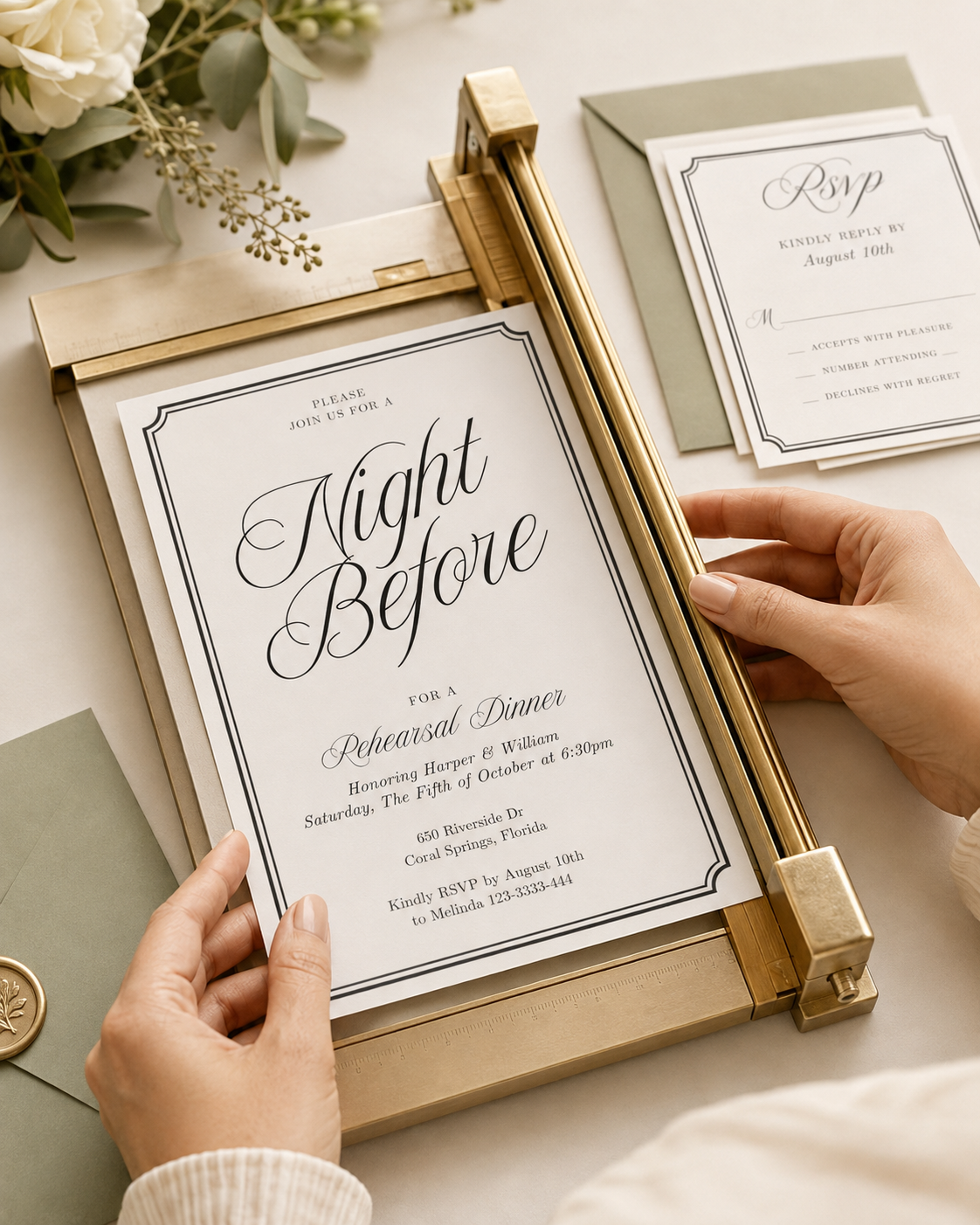
Small finishing details can make a printed suite feel special. A matching envelope, a simple vellum wrap, or a narrow ribbon is enough. Leave room for your invitation to be the focus.
Make a small buffer
Print a few extra invitations, RSVP cards, and detail cards. Extras are useful for last-minute guests, keepsakes, and the occasional printing mistake. Once the final batch is dry and trimmed, place one full suite in an envelope and check it before mailing or hand-delivering the rest.
Your stationery does not need to be complicated to feel memorable. A clear design, good paper, and a careful test print go a long way.


