Skip to content
New to us? Try a free template before you buy.
Cart (0)
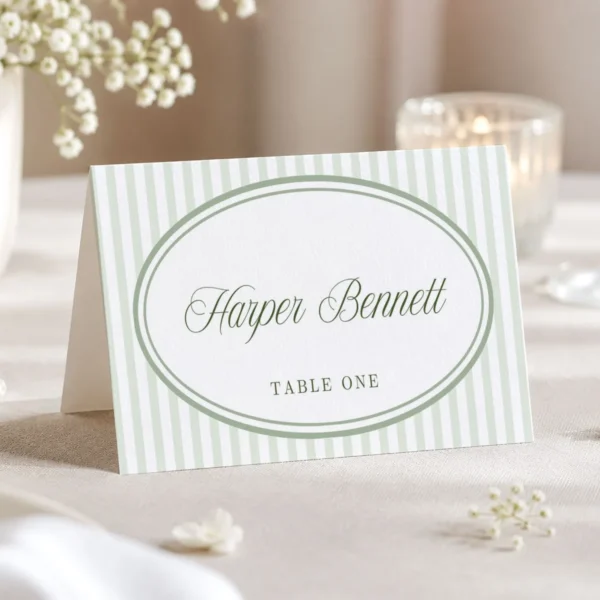
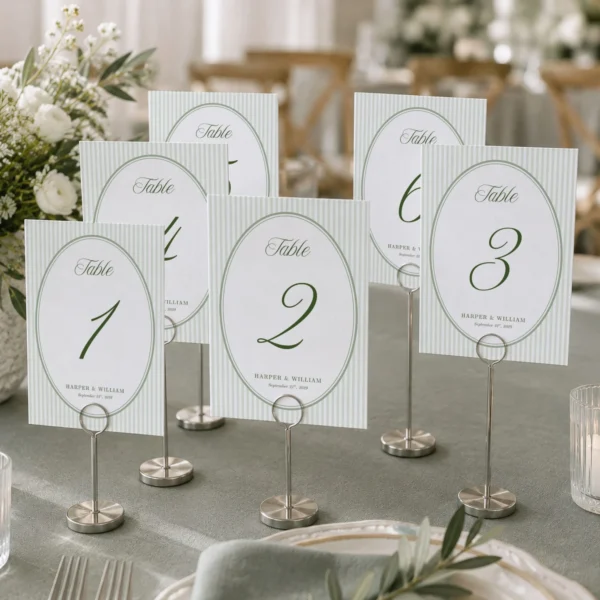
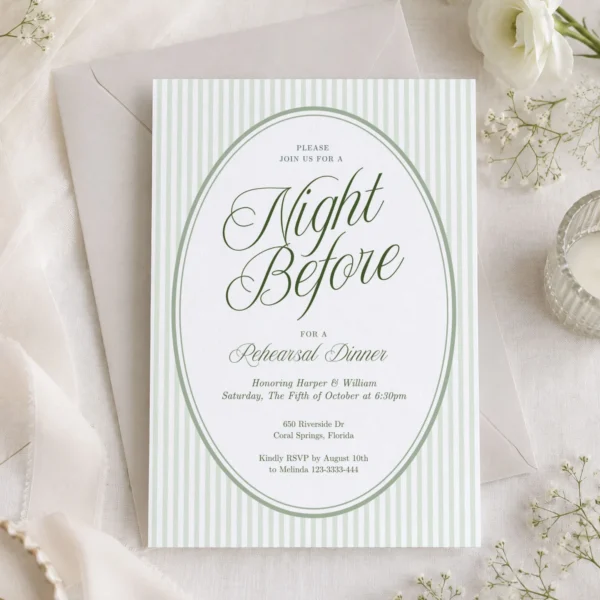
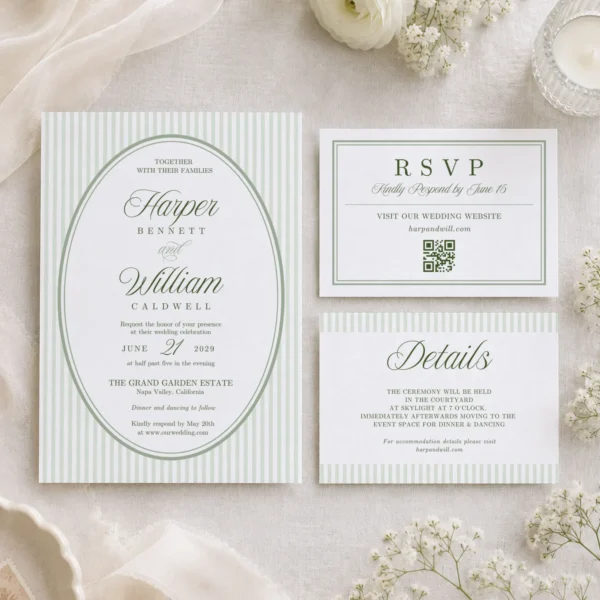
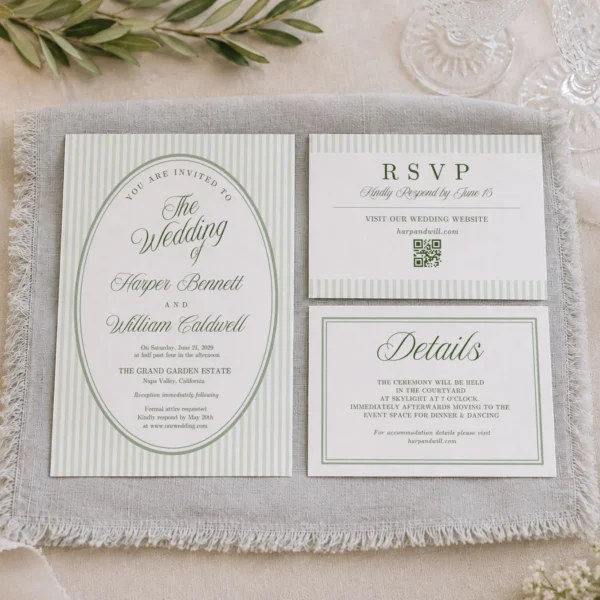
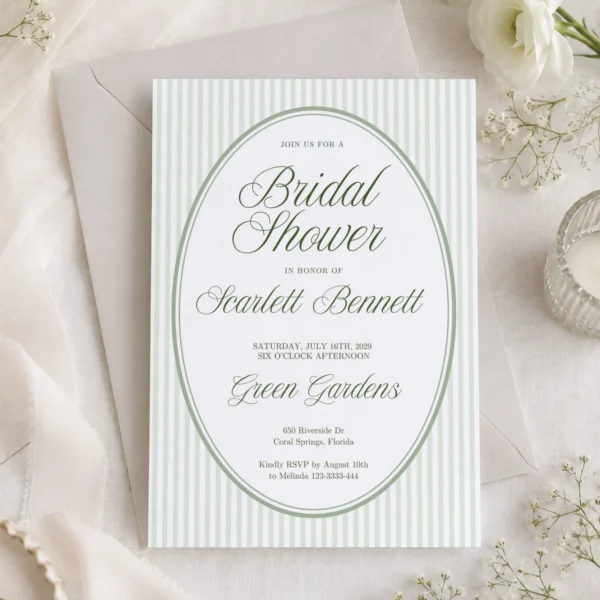
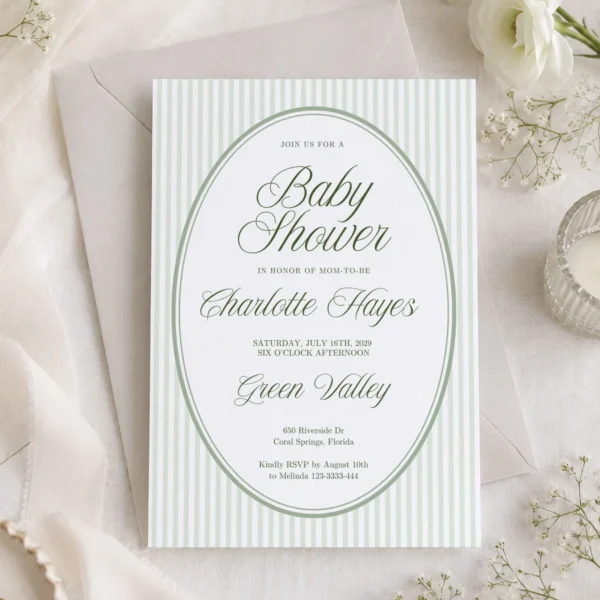
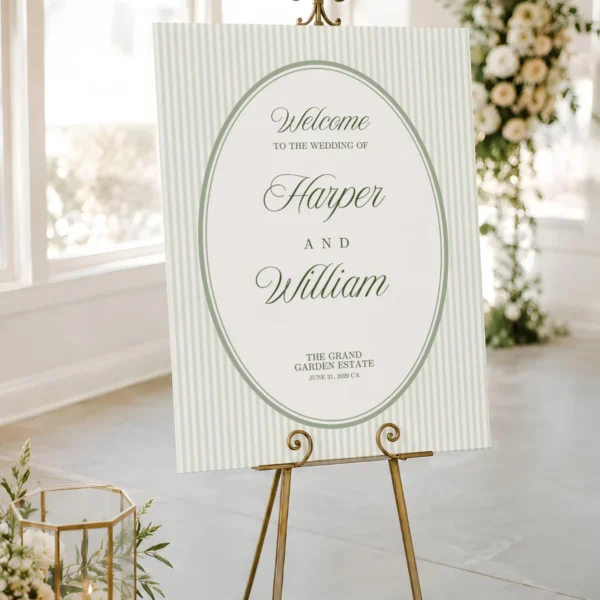
Part of the Green Stripes collection, 22 matching pieces

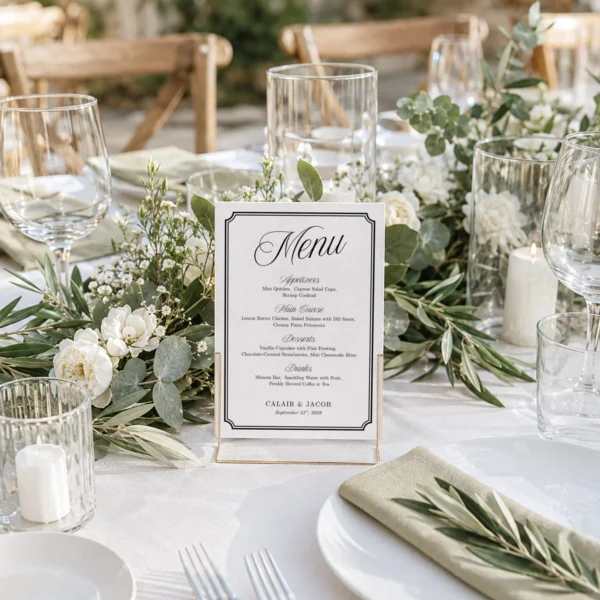
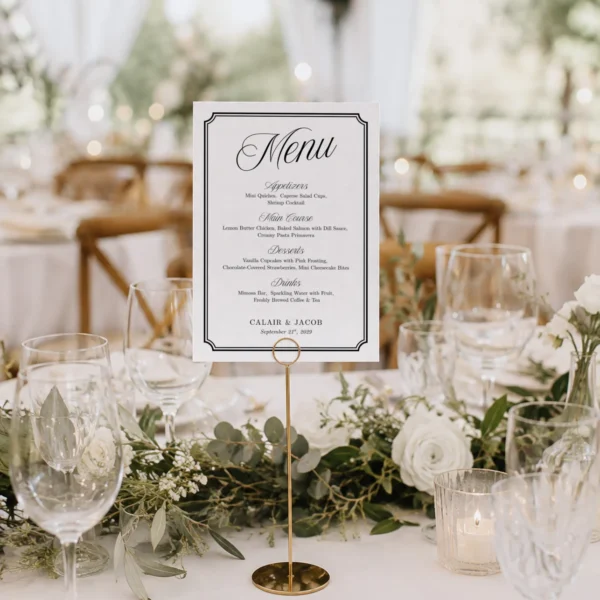
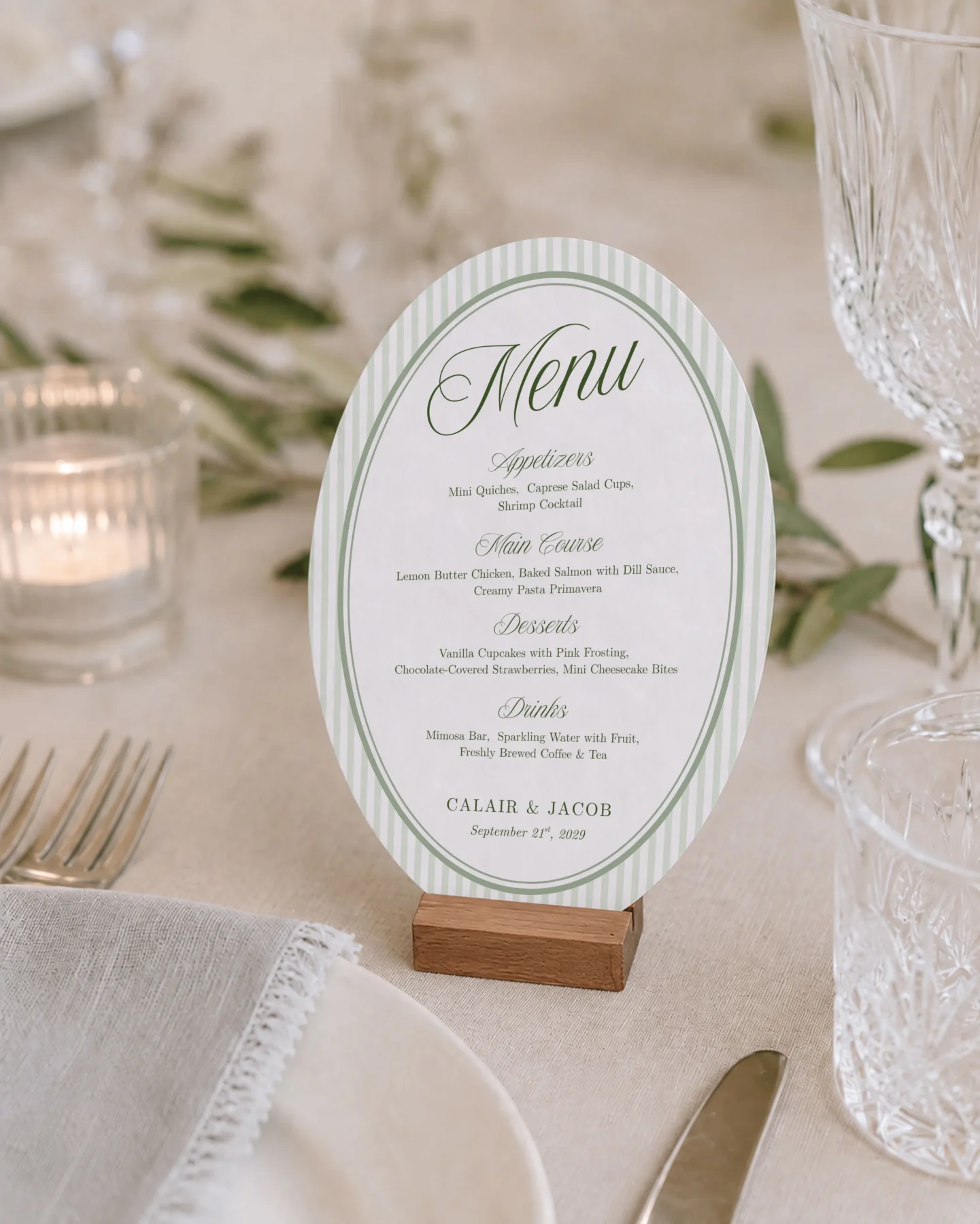
Green Stripes Wedding Menu Canva Template

Editable Canva template for a printable menu

A Green Stripes menu for your wedding. Use it to show guests what is being served and make the food table or place setting easier to follow, change the heading, courses, dishes, dietary notes, fonts, colors, and movable elements, and download the finished design for printing at home or with a print shop.

  • Edit the heading, courses, dishes, dietary notes, fonts, colors, and movable elements
  • Matches the other Green Stripes pieces in this collection
  • Download right after checkout, with no shipping wait

1 design: menu · 1 size: 5 × 7 in

What's included
$5.99
Digital download, nothing shipped
See all 22 Green Stripes pieces
Instant accessLink on your order page
Edit in your browserDesktop, tablet, or phone
Print anywhereAt home or at a print shop

SKU LWT-C0004-MENU-049

About this menu

This menu helps you show guests what is being served and make the food table or place setting easier to follow. It belongs to the Green Stripes collection, so the typography, spacing, and overall presentation stay coordinated with the other pieces you choose for your wedding. The layout keeps the important wording easy to find while leaving enough breathing room for names, instructions, or event details. You can keep the sample structure, simplify it, or adapt it to the way your event is organized. Because the finished design is downloaded after editing, you control the final wording and can make last-minute corrections before printing.

Where to use it

You can place one at each setting, display it beside a buffet, or frame it near the food table. The coordinated design makes it easy to repeat the same visual language from the first invitation through the signs, table pieces, games, and thank-you notes. For printing, you can print it at home when the size fits your printer, or send the finished file to a local or online print shop. Before producing the full quantity, print one test copy to check scale, margins, and readability in the lighting and setting where the piece will be used. Keep the final exported file with the rest of your event stationery so reprints and late changes are simple to manage.

What you can change

You can change the heading, courses, dishes, dietary notes, fonts, colors, and movable elements. For example, add course names, list ingredients, mark vegetarian choices, change the heading, or create a shorter version for a buffet. Work from the supplied layout so alignment and hierarchy remain consistent, then review every line for spelling, dates, and guest information. Duplicate the design before making a second wording version, which gives you an easy original to return to. When the content is ready, export the format that suits your printing method and review the final file at full size before sending it to a printer or sharing it with guests.
What you get

Templates
1 design: menu
Sizes
5 × 7 in
Orientation
Portrait
You can edit
All text, fonts, and colors. Move, add, or delete any element.
Format
Canva template link, delivered in a PDF. Download your finished design as PDF, PNG, or JPG.
You need
A Canva account. The template opens in your browser; no software to install.

Digital product. Nothing is shipped. Your download appears on the order page and in My Account as soon as payment is confirmed.

Complete the Green Stripes collection

Same artwork, colors, and lettering from the invitation to the thank-you card, so every piece looks like it belongs together.

View all 22 pieces

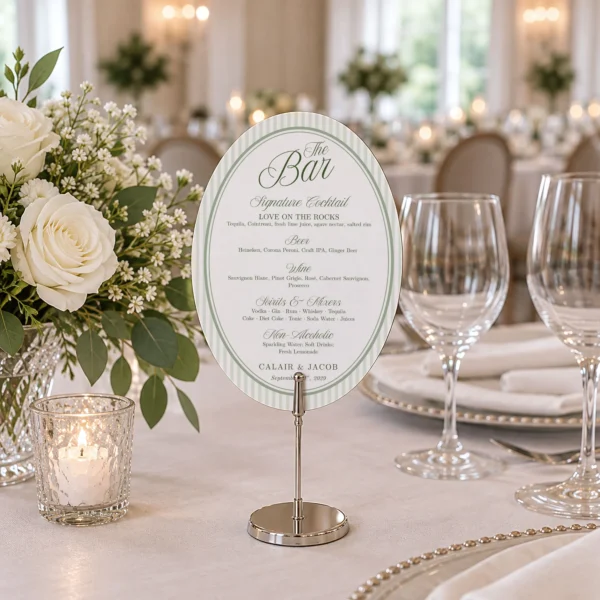
Planning the whole event? Start with the invitation set, then add signs for the welcome table, bar, and games.

Shop the collection

Questions before you buy

Will I receive a printed menu?

No. This is a digital template. You edit the design, download the finished file, and print it yourself or at a print shop.

Do I need Canva Pro?

Yes. Some elements in this design require a Canva Pro account.

How do I get my template after I pay?

As soon as payment is confirmed, the download appears on the order page and in My Account. The PDF contains your template link.

Can I edit it on my phone?

Yes, in the Canva app. A laptop is easier for text-heavy items because you can see the full layout.

Can I get a refund?

Digital templates cannot be returned after access is delivered. If something does not work, contact us and we will help fix it.

Which sizes are included?

5 × 7 in. Contact us before buying if you need another size.

Does it match the other Green Stripes pieces?

Yes. Every product in the Green Stripes collection uses the same illustrations, colors, and lettering.

All FAQs

Reviews

Reviews

There are no reviews yet.

Be the first to review “Green Stripes Wedding Menu Canva Template”

Your email address will not be published. Required fields are marked *

Menu$5.99