Wedding Templates
Invitations, welcome signs, games, and thank-you cards for your wedding. Most designs come as a full matching collection, so you can pick one theme and print everything in it.
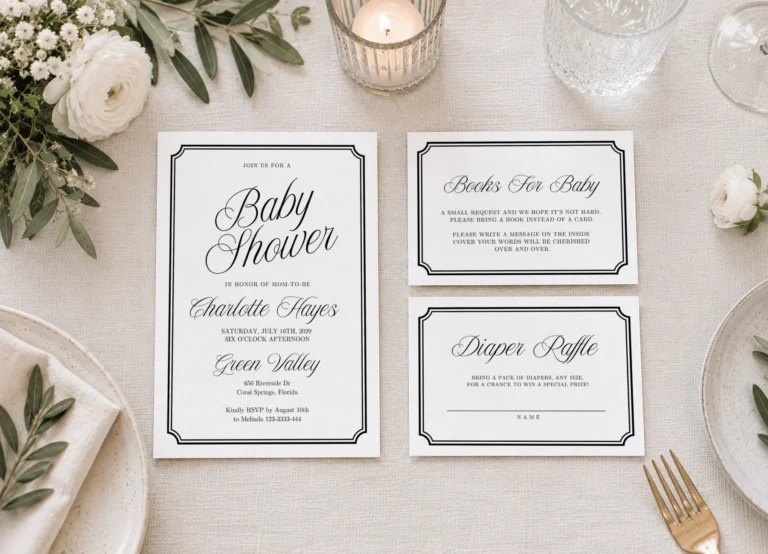


Template results
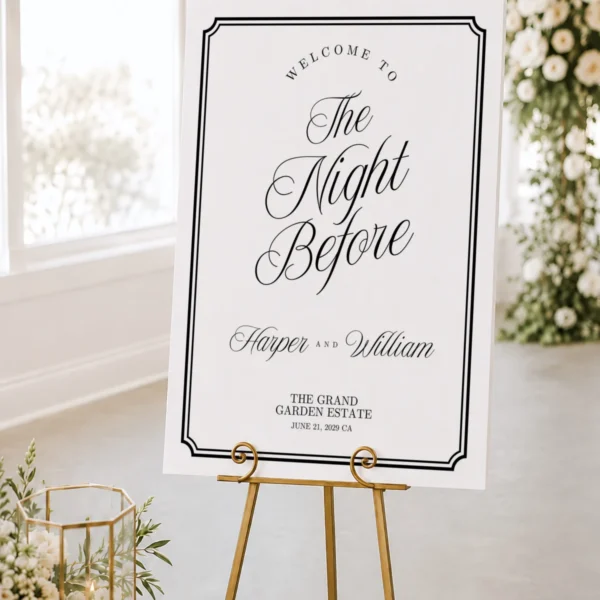
Welcome Sign
New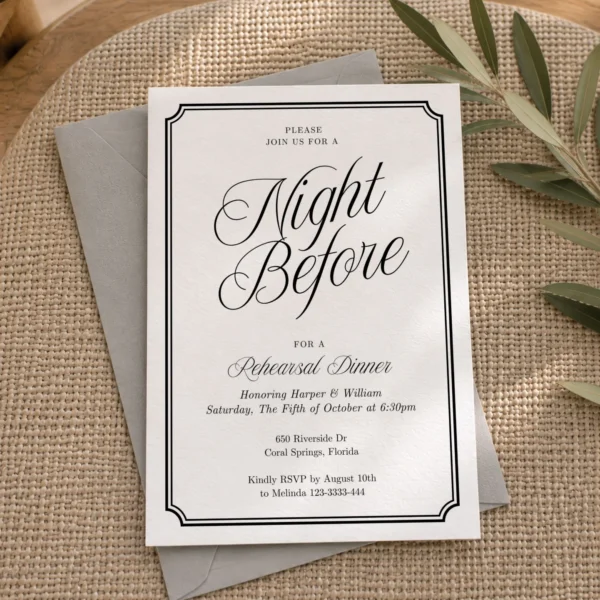
Invitation
New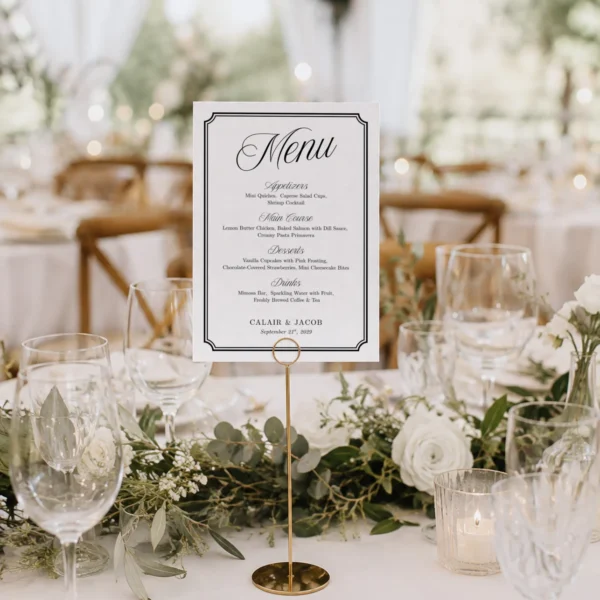
Menu
New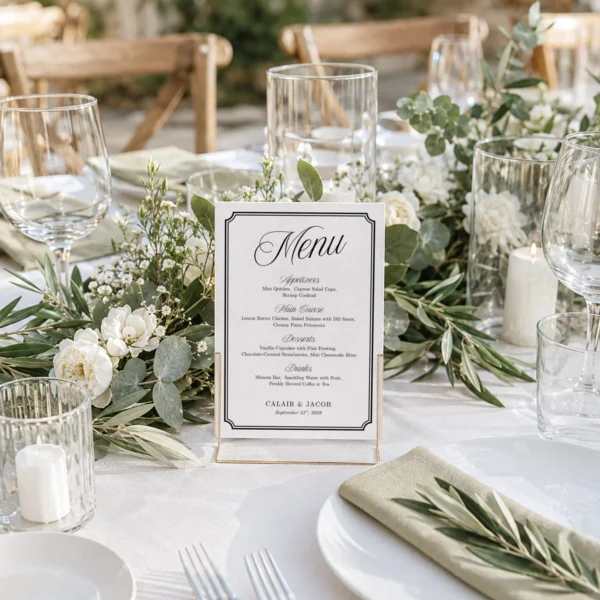
Menu
New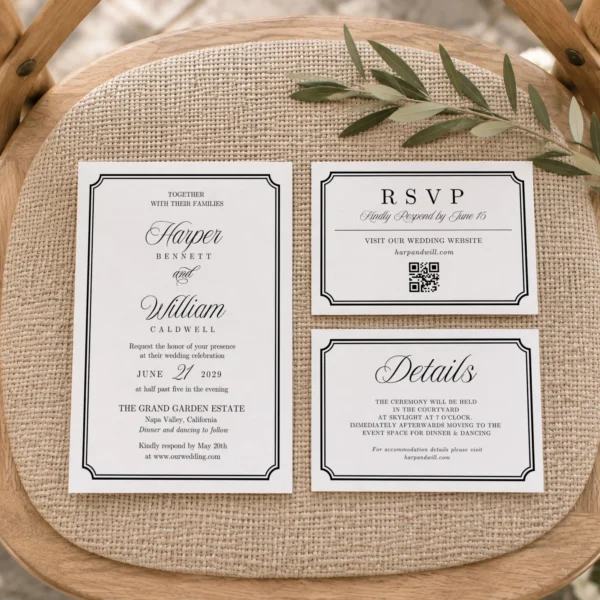
Invitation
New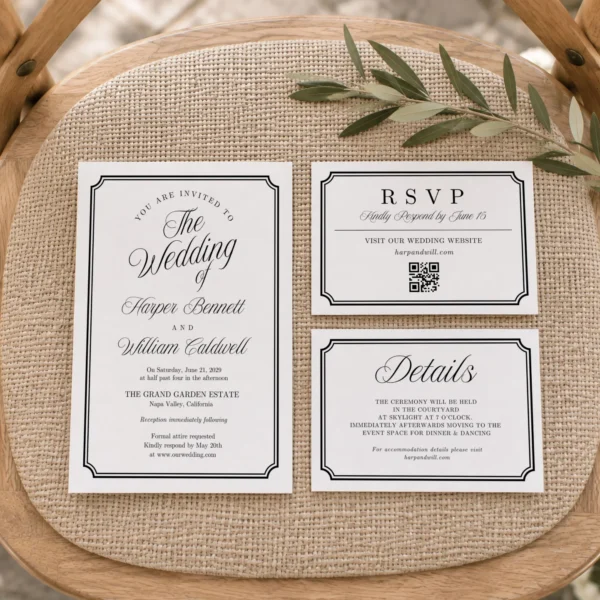
Invitation
New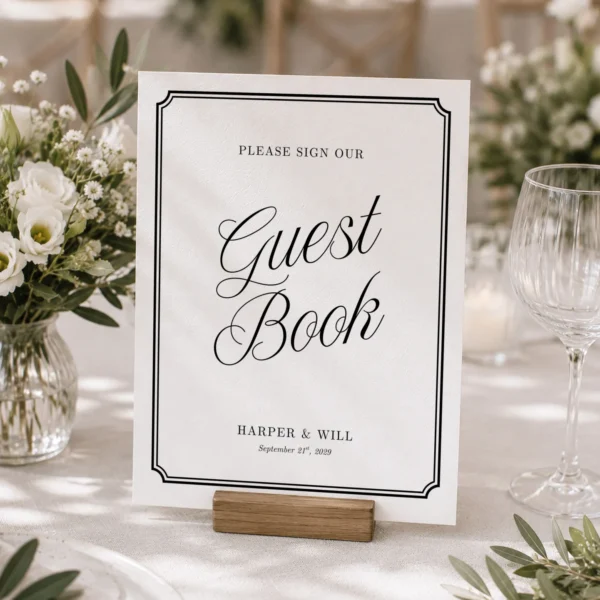
Sign
New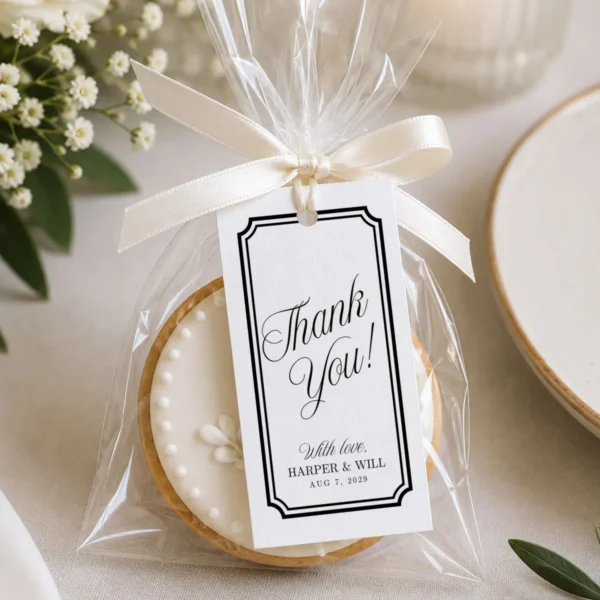
Gift Tag
New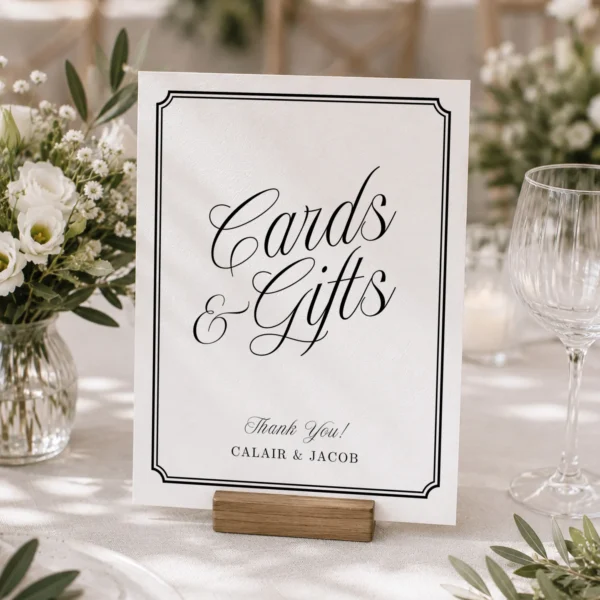
Sign
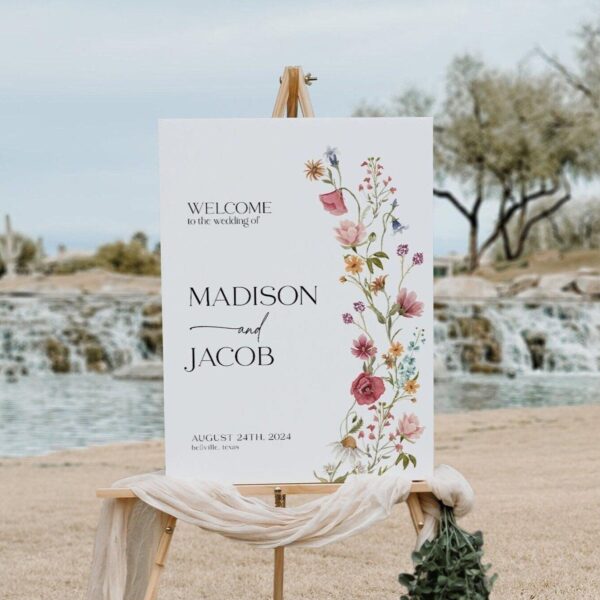
Welcome Sign
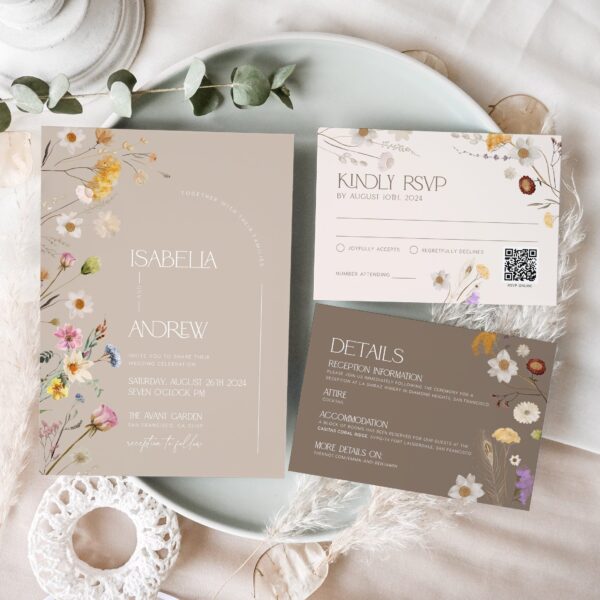
Invitation Set
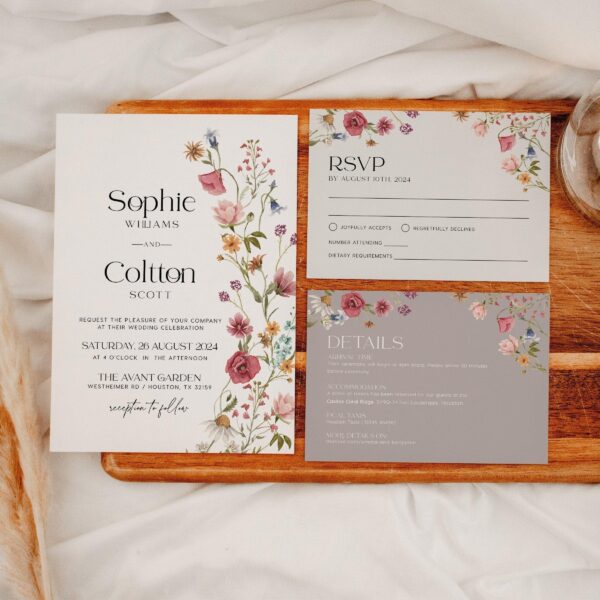
Invitation Set
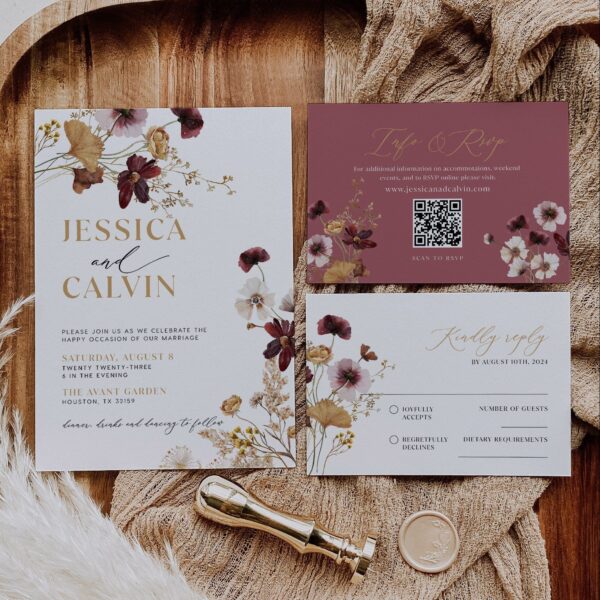
Invitation
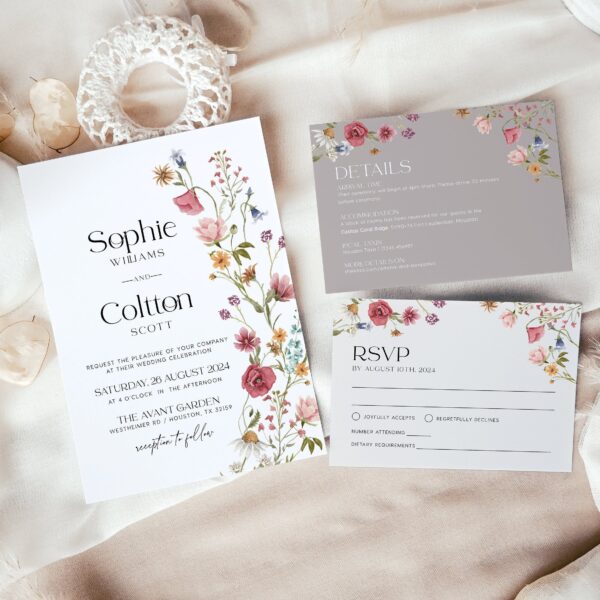
Invitation
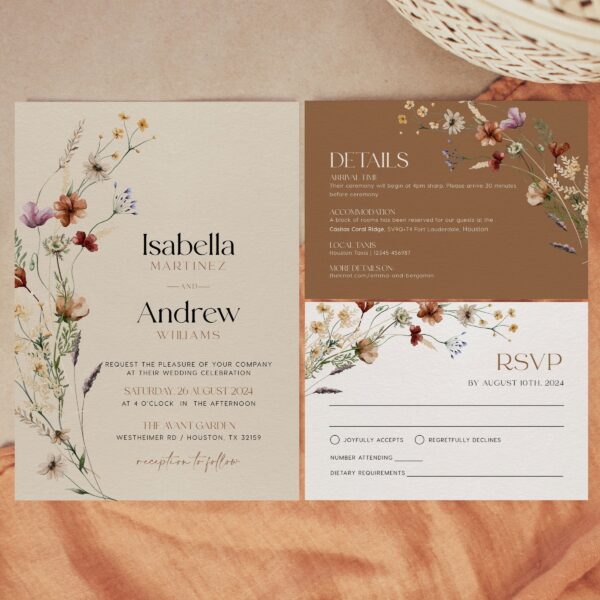
Invitation Set
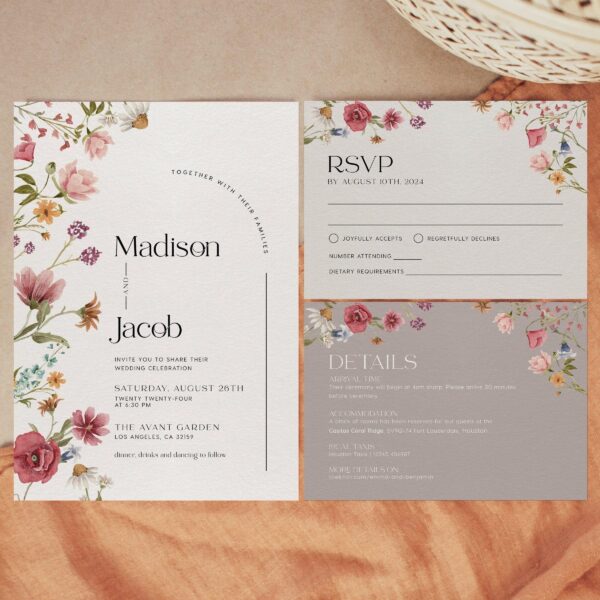
Invitation

Invitation
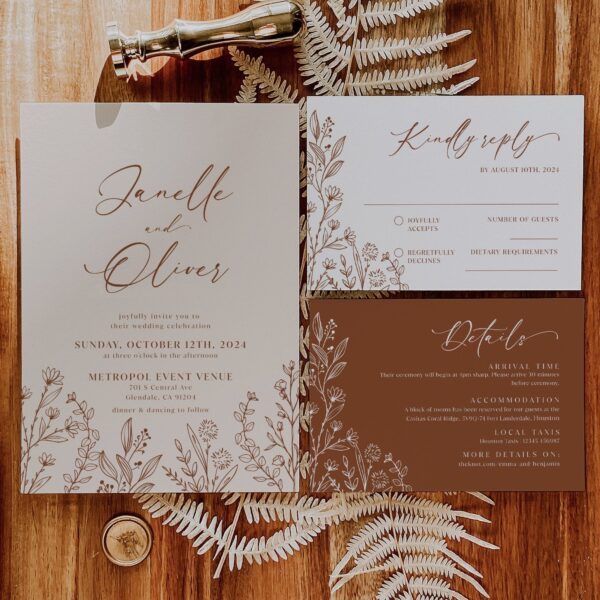
Invitation
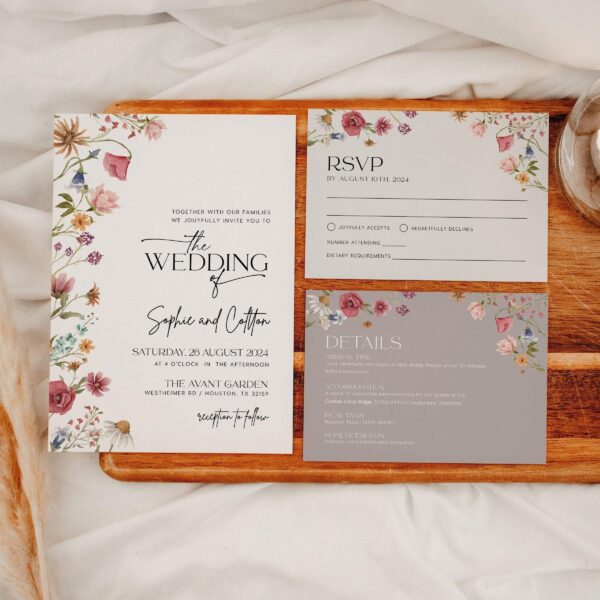
Invitation Set
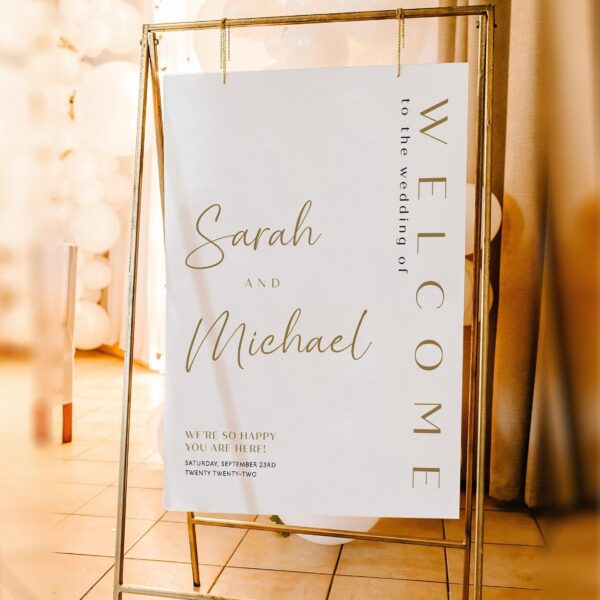
Welcome Sign
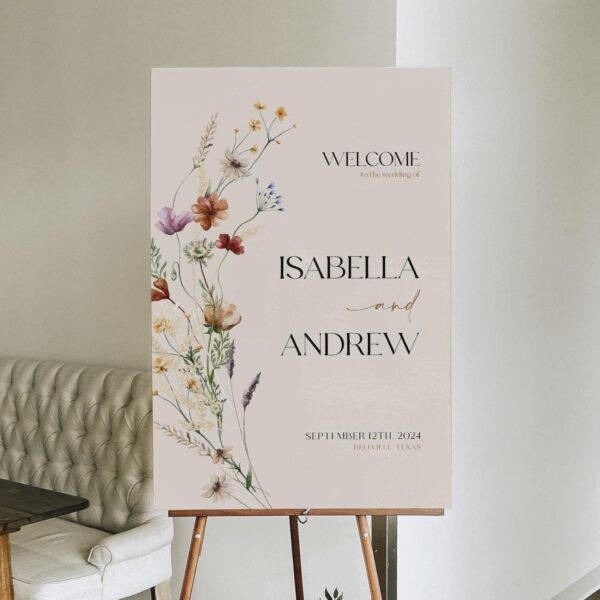
Welcome Sign
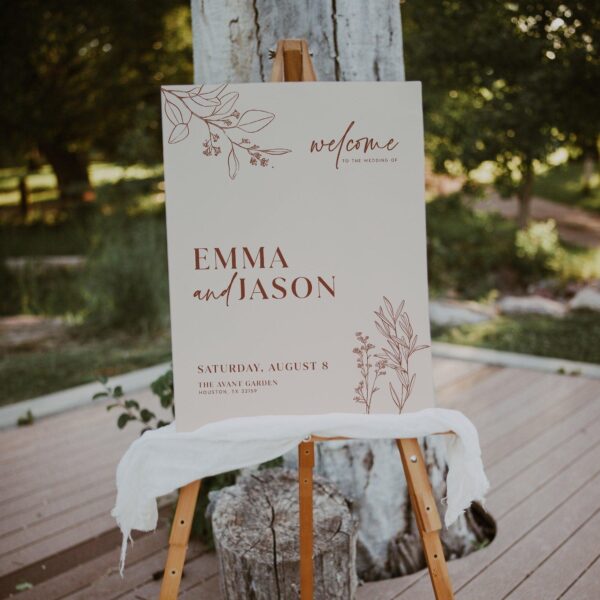
Welcome Sign
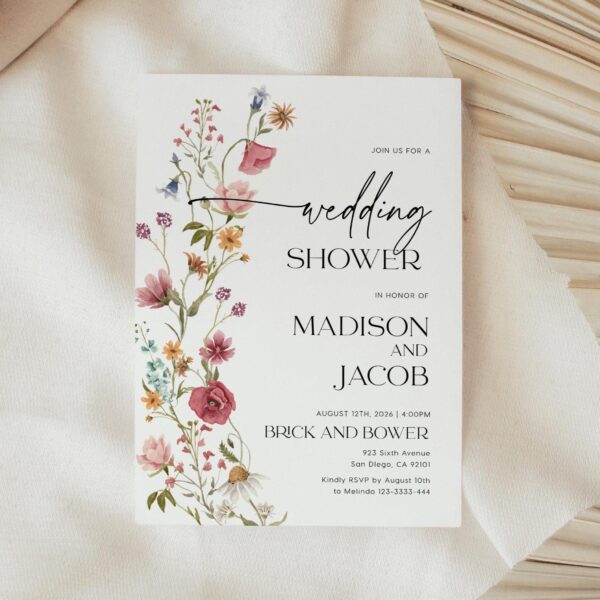
Invitation
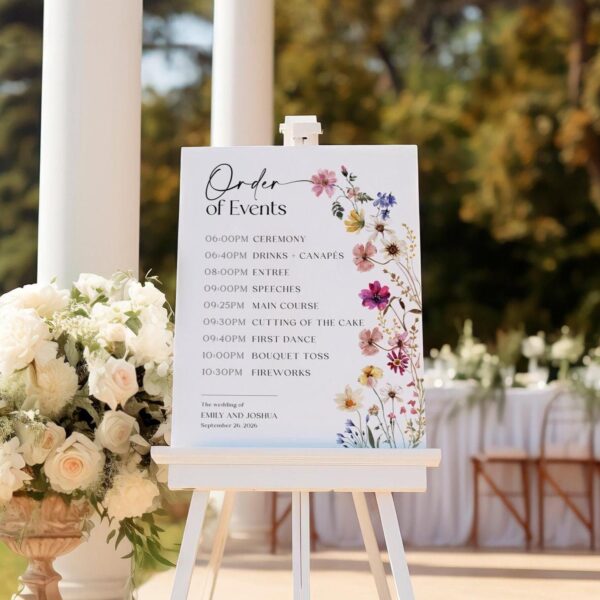
Sign
Planning your wedding stationery
Most hosts choose the invitation first, then use its collection as the visual plan for everything guests see later. Keeping one set of colors, illustrations, and lettering makes the envelope, entrance, food table, games, and thank-you note feel connected without asking you to rebuild the design for every item.
When to send and prepare each piece
Send or text the invitation about six weeks before your wedding, or eight weeks ahead when guests will travel. Add book-request or raffle inserts at the same time. Confirm the wording, date, venue, and RSVP details before downloading. Two weeks before the event, finish signs and table pieces after the menu, guest list, and room layout are settled.
What to print for the day
A welcome sign at the entrance gives guests an immediate point of reference. Add a menu or bar sign beside the food and drinks, then choose only the table numbers, place cards, or seating chart your layout needs. One or two shower games are usually enough. You can buy these pieces separately and return to the same collection later.
Printing at home or at a shop
Cards up to 5 × 7 in usually print well at home on smooth, heavy cardstock. Use your printer’s actual-size setting and test one sheet before printing the full quantity. Larger signs, especially 16 × 20 in and above, are easier to order from a local print shop on poster paper or foam board. Export a print-quality PDF, check the final dimensions, and ask the printer whether bleed or crop marks are required.
Common questions
Are these physical invitations?
No. You buy a digital template, edit it in your browser, and download the finished file to print or send by text.
Can I buy one piece or do I need the whole collection?
Every piece is sold on its own. Buy only what you need, or start with an invitation set and add signs later.
What is the difference between Canva and Templett designs?
Both open in your browser. Canva needs a free account; Templett does not. Each product page states which editor it uses.
Can I send the invitation by text?
Yes. Download it as an image and send it by text, email, or WhatsApp. Some designs also include a phone-sized version.